Building a customer feedback platform from data capture to actionable analytics.
SeamHealth’s customer feedback platform: multi-step feedback flows, complaint handling, billing and an operator admin — 400+ of my commits across three Angular codebases.
- Frontend engineer
- 2024 — Present
- SeamHealth product engineering team, with several frontend engineers.
- Web · SaaS · server-side rendered
- Angular
- TypeScript
- RxJS
- Angular SSR
- Socket.IO
- Chart.js
- Sentry
- Paystack
- REST APIs
Clientshot is a SeamHealth Group product. Screens are from its development environment with test data; customer names are removed, no code is shown, and the architecture is simplified.
Context
Clientshot collects customer feedback for organisations — through web forms, QR codes and messaging channels — and turns it into dashboards, complaint workflows and reports.
It runs as three frontends on a shared microservice backend: the customer-facing app, an admin console for SeamHealth operators, and v3, a rebuild of the app as a set of feature libraries.
My responsibility
I owned
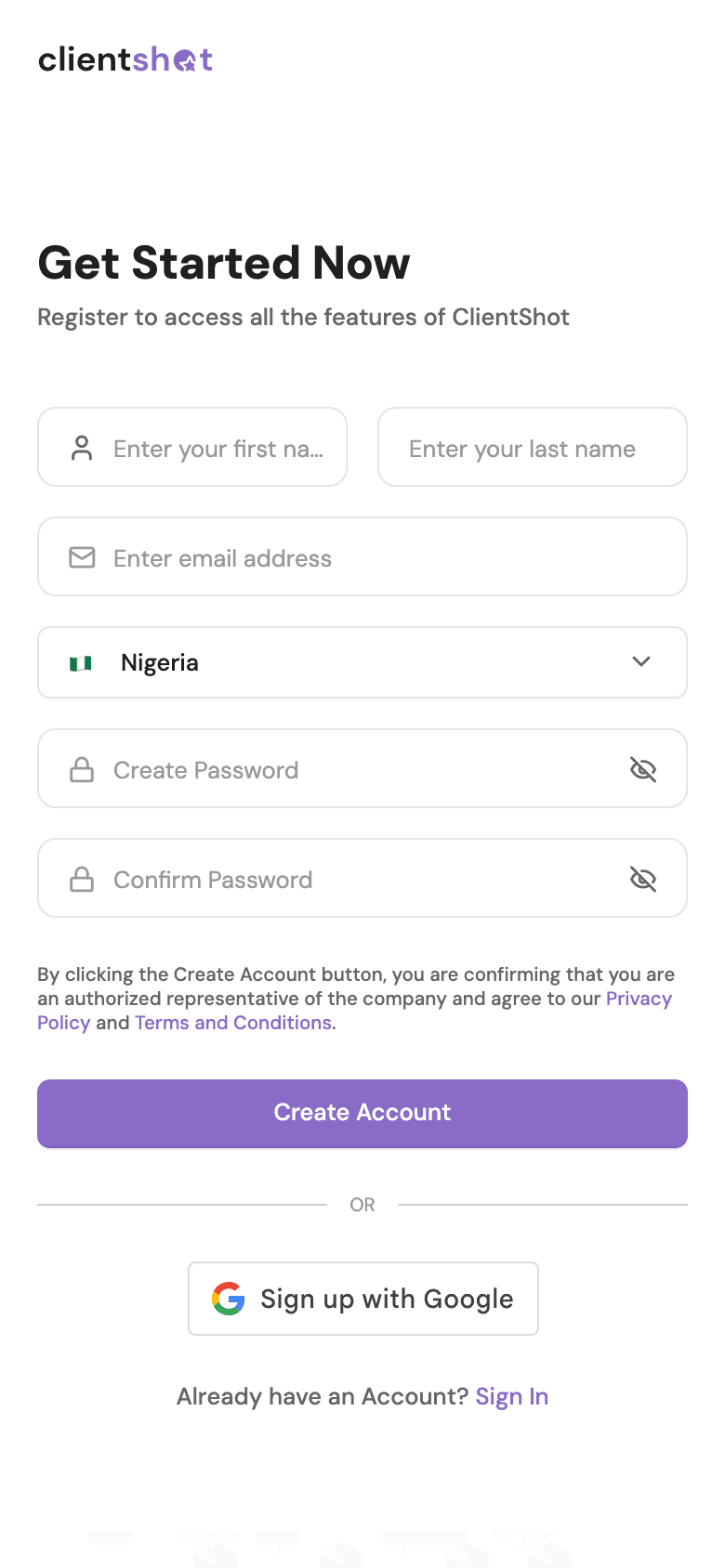
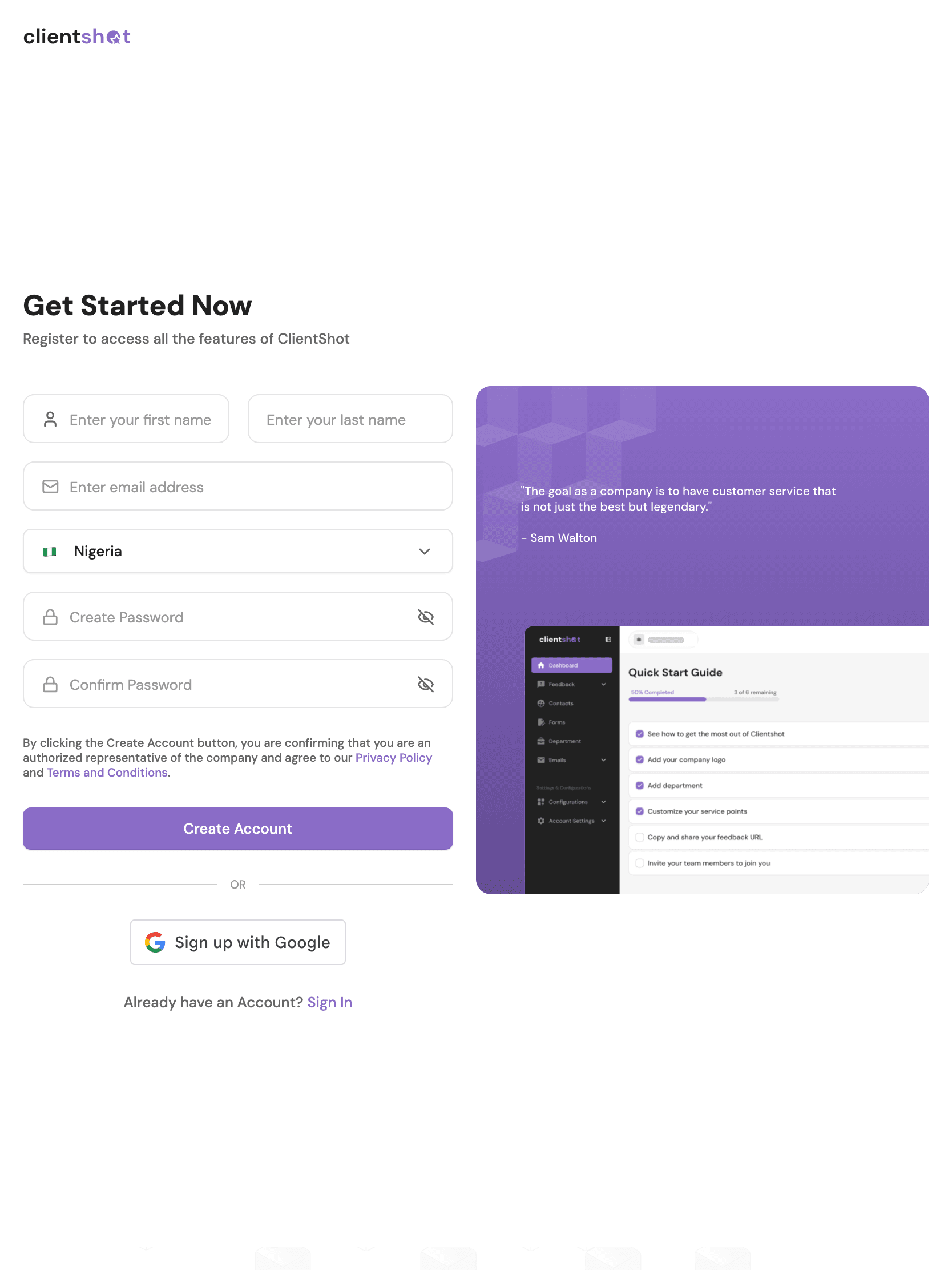
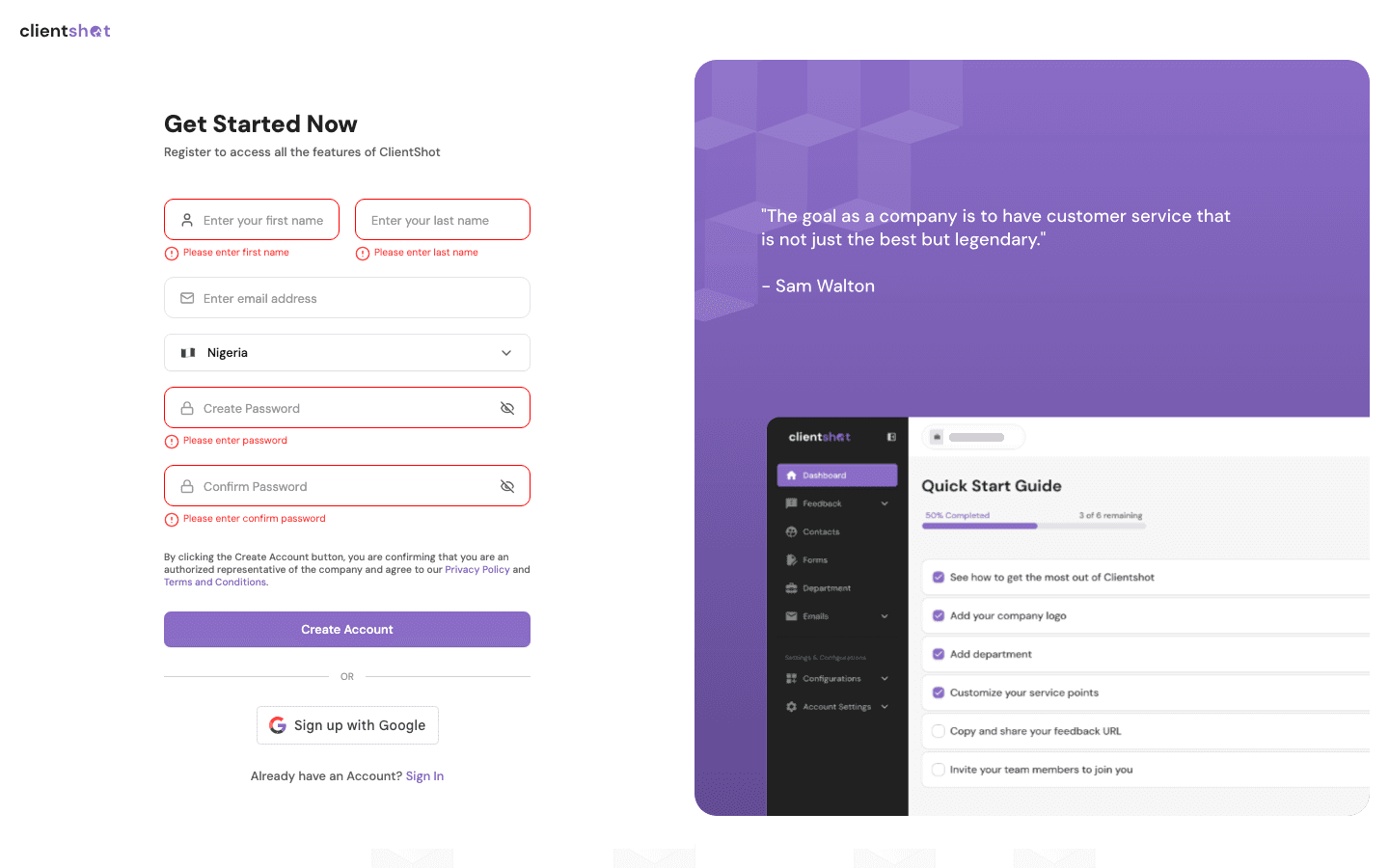
- Customer app (218 commits): form responses, linked and instant form flows, service-point flows, complaints, notification settings, user lists, sign-up, and billing — subscription plans, SMS top-up and seats
- Admin console (94 commits): auth pages, the feature control panel, activity logging with module-toggle tracking, the responses list with bulk actions and trash/restore, and facility management
- v3 (104 commits): the UI, forms and feedback libraries, complaint status workflows, notification filtering, and contacts
- Bug fixes with regression tests, such as “last login” showing 1 Jan 1970 for users who had never signed in
I collaborated on
- The backend microservices and real-time service, built by backend engineers
- Designs from Figma, and acceptance criteria with product
- Code review across the frontend team
The challenge
Feedback collection looks simple from outside, but a single submission can chain several flows: a form can link to another form, run “instantly” or from a queue, and pass through a service-point step before it completes. Every combination has to finish exactly once.
Behind it, operators need to triage complaints, manage billing and configure what each organisation can use — without the interface lying about whether data is still loading, empty or wrong.
Constraints
- Several codebases
- The same product lives in the customer app, the admin console and the v3 libraries, so a fix often has to land in more than one place.
- Shared, evolving backend
- Microservices owned by other engineers. The frontend has to cope with response shapes and states it doesn’t control.
- Organisation variety
- Some companies have branches and some don’t; some use every module and some only a few. Features have to work in all of those configurations.
Architecture
- Web forms
- QR codes
- Messaging channels
- Linked forms
- Instant & queued forms
- Service-point flows
- Customer app (Angular SSR)
- Admin console
- v3 feature libraries
- Socket.IO updates
- Microservices (other teams)
- Billing via Paystack
- Feedback can chain through several flow types before it completes; the order of completion matters.
- v3 splits the app into feature libraries — UI, forms, feedback, contacts, channels, real-time — so shared pieces have one home.
Key decisions
01Run the linked form only after the service-point flow completes
- An instant linked form that contained a service-point flow could trigger itself again — an infinite loop.
- Guard against re-entry case by case
- Make completion explicit and sequence the flows
- Case-by-case guards are quick but leave the ordering implicit, so the next flow type can loop again. Sequencing means touching the shared flow logic.
- Trigger the linked form when the service-point flow reports completion, not alongside it.
- Making the order explicit removes the condition that let a flow re-enter itself.
- The loop was fixed in both the customer app and v3, where the same flow lives.
02Stage tag changes until the user clicks Apply
- In the complaint Update Status modal, every tag click was applied immediately.
- Save each click
- Stage changes locally and apply them together
- Saving per click is simple but creates half-finished states and extra requests. Staging needs a clear Apply/Cancel model.
- Batch tag selections and apply them on Update, with the modal redesigned to match Figma.
- A status update is one decision; it should be saved as one.
- One request per update, and Cancel genuinely cancels.
03Tell “still loading” apart from “empty”
- The user list flashed its empty state before users had been fetched, and a global loader hid data that was still arriving.
- Keep one global loader
- Local skeletons and an explicit loaded state
- A global loader is one switch to manage but blocks the whole screen and can switch off before data renders. Local states need more care per view.
- Remove the global loader from display functions; show local skeletons until the request settles.
- An empty state is a claim — “there is nothing here” — and it should only appear when it’s true.
- No false empty states, and loaders that match when data actually appears.
Implementation
- Billing
- Subscription plan changes, SMS top-ups, adding seats and the billing modal, with billing-cycle rules such as the free plan never being selectable.
- Admin console
- A feature control panel for turning modules on and off per organisation, an activity log that records those toggles and updates in real time, and a responses list with detail modals, bulk delete and trash/restore.
- Data correctness
- Consistent active/inactive counts, a safe-number pipe so dashboard totals never render NaN, and phone-number fields that no longer overwrite themselves with a country prefix.
- Organisations without branches
- Feedback management re-enabled for companies with no branches — a configuration the original screens assumed couldn’t exist.
Production
- Delivery
- Ticketed pull requests with code review, worked through review comments before merge.
- Monitoring
- The app reports errors to Sentry and is server-side rendered with Angular SSR.
Screens
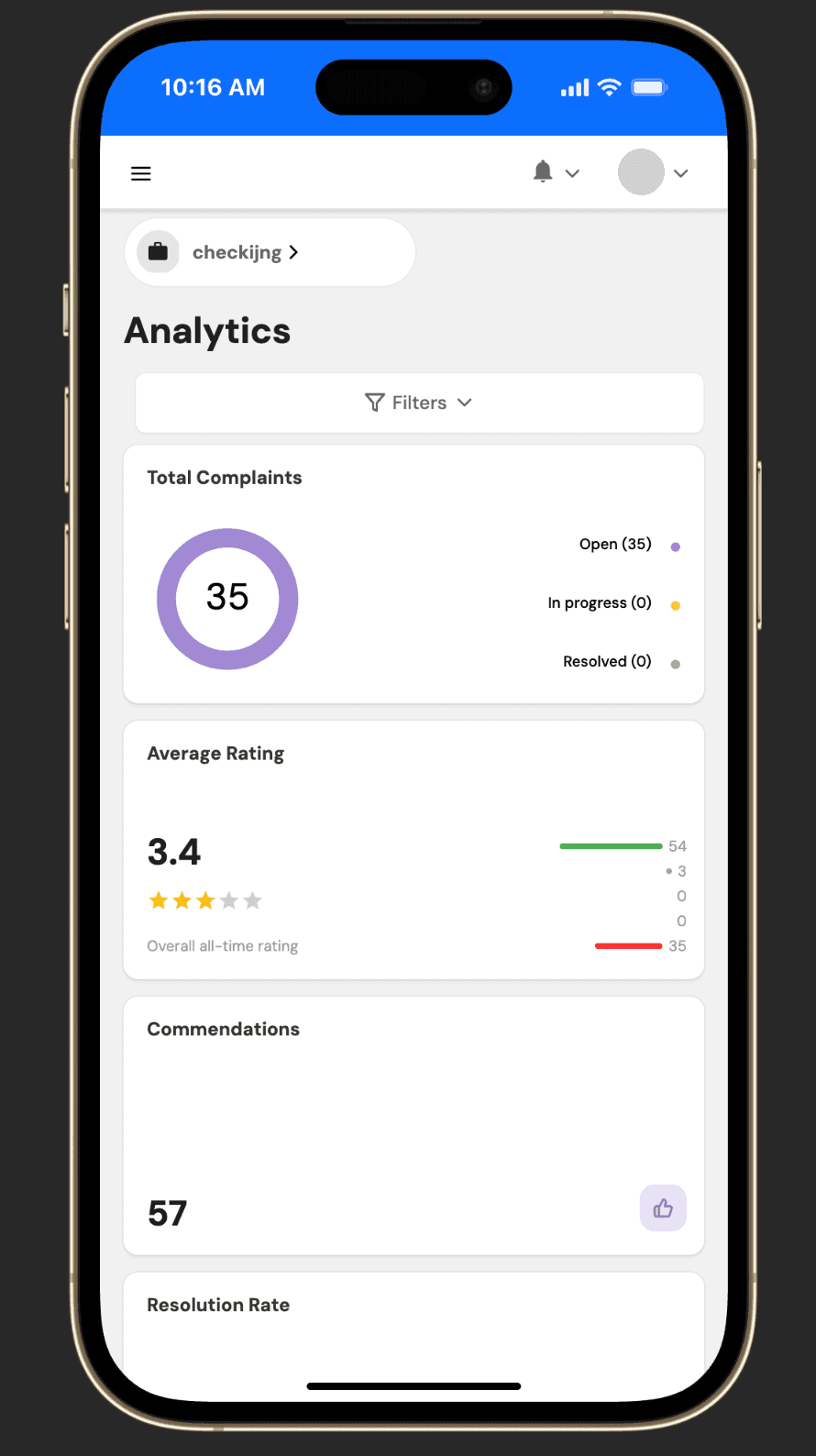
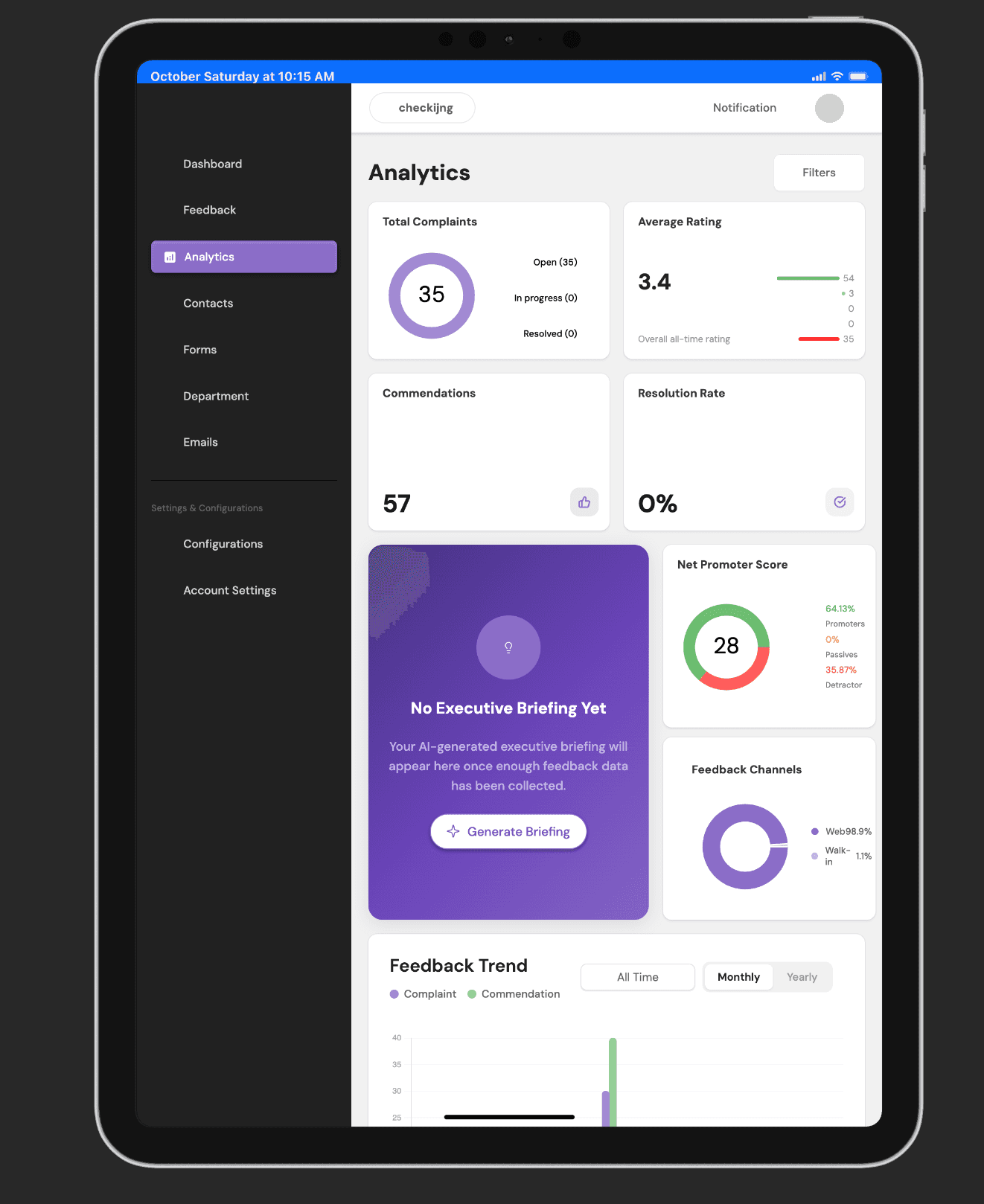
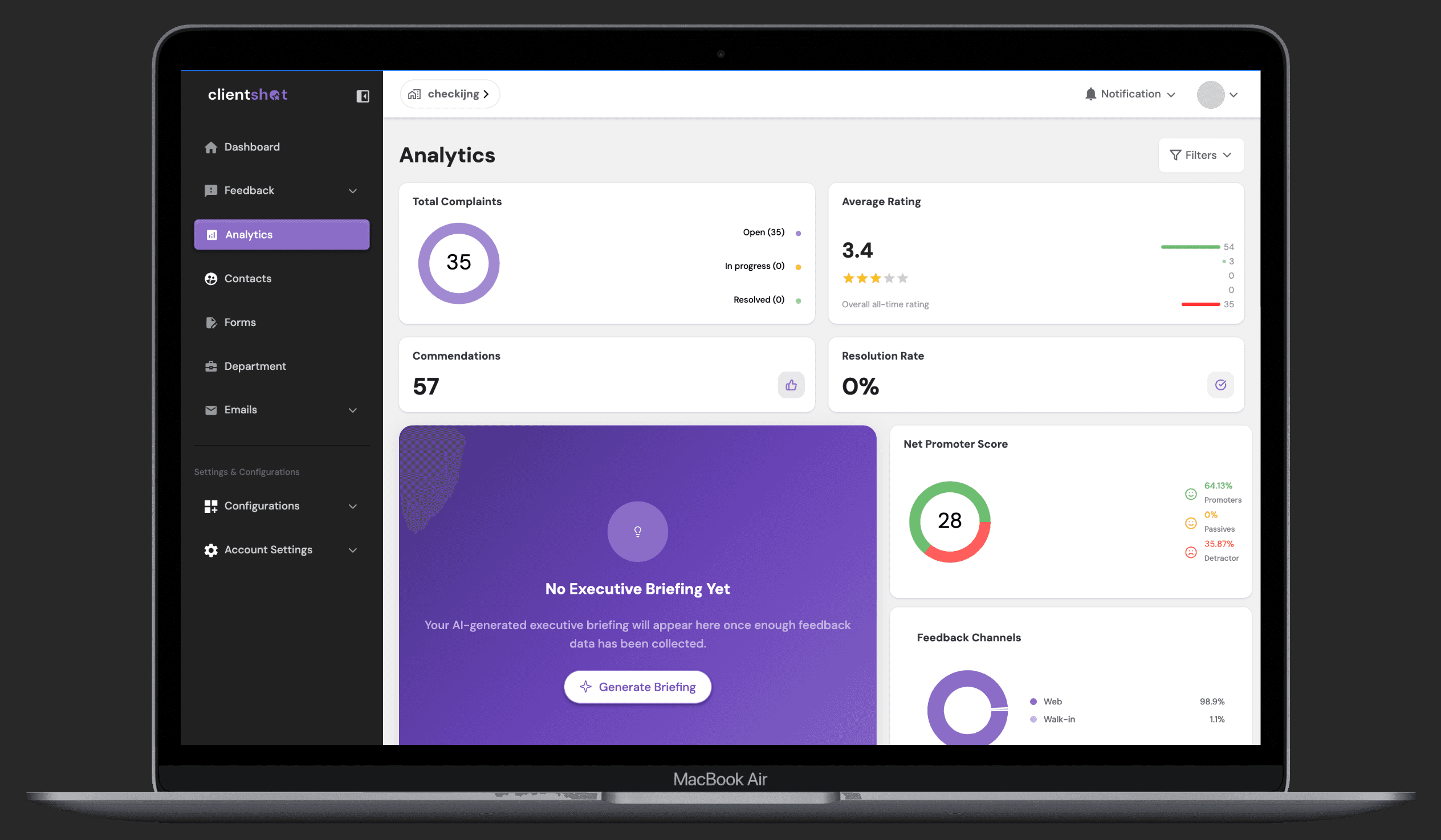
MobileAnalytics· 1 / 6
Mobile: the sidebar collapses behind a menu button and every metric card stacks full width. Test data from the development environment; profile picture removed.
Outcome
Across three codebases I shipped form-flow fixes, complaint workflows, billing features, admin tooling and v3 library work, many of them fixes for states that only appear in real organisations’ configurations.
- Commits authored
- 416
- Customer app 218, admin 94, v3 104 — from git history, Sep 2024 to Jul 2026.
- Customer adoption
- —
- Impact metric unavailable — product data belongs to SeamHealth.
Lessons
Most of the hard bugs lived between features, not inside them: a flow inside a flow, a company without branches, a user who has never logged in. I now test the combinations and the “impossible” configurations first.
When the same feature lives in several codebases, a fix isn’t done until it’s in all of them.
Next iteration
- Model the form-flow sequence as an explicit state machine, so new flow types can’t reintroduce ordering bugs.
- Share one schema between form definitions and analytics, so a form change that would break a report fails at build time.